

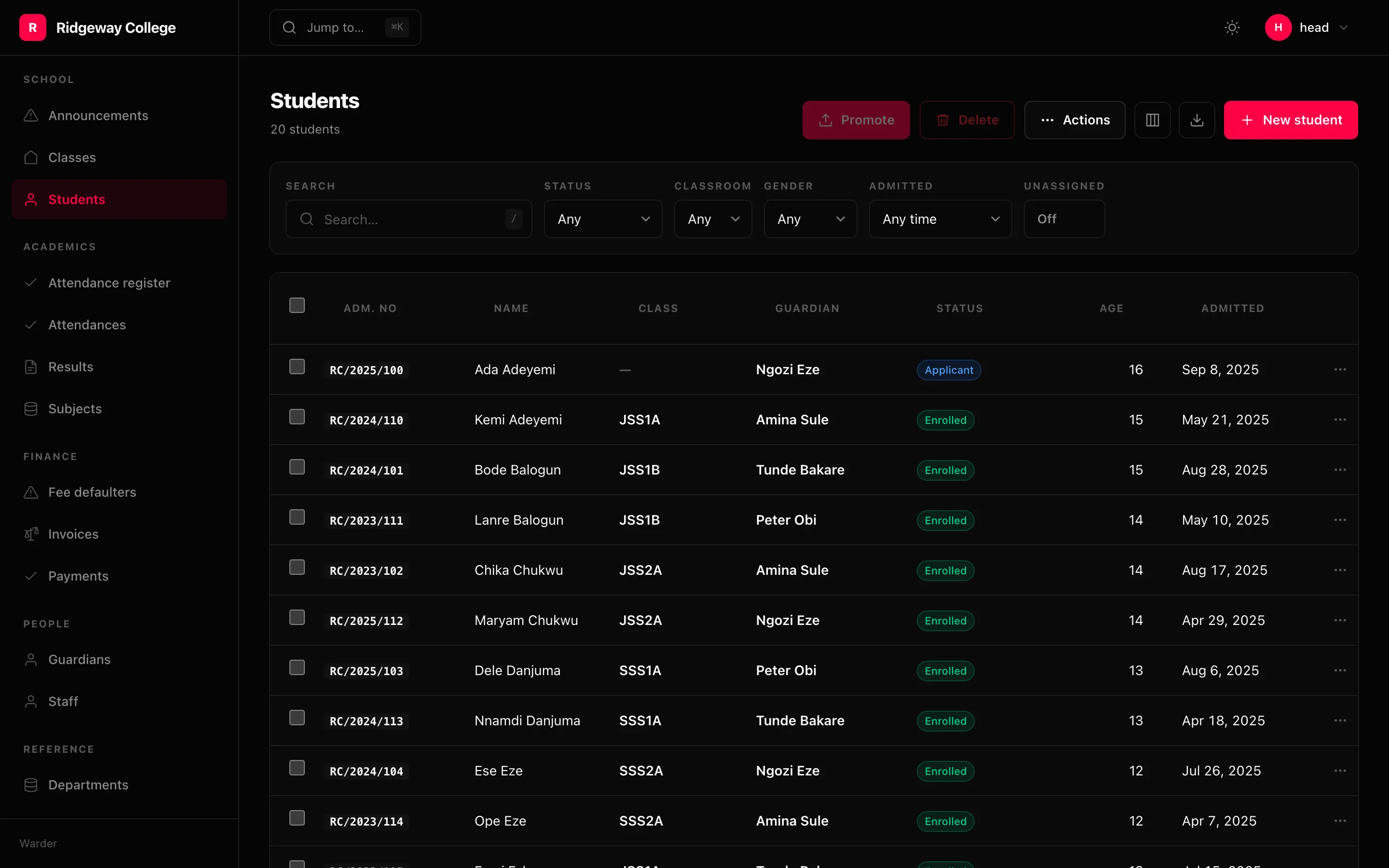
The table — columns, sorting, filters, selection, totals, export, and the N+1 that declaring a relation removes.
A List describes a table. It does not render one, and it does not know about
an ORM — which is what lets the same value be drawn inside the admin or inside
your own route.
List(    Column("title", link=True),    Column.relation("author", display="name", link=True),    Column.badge("status", colors={"live": "green", "draft": "zinc"}),    Column.money("fee", "USD"),    Column.date("published_at", label="Published", style="relative"),    Column.compute("Read", lambda row: f"{row.words // 200} min", sort="words"),
    filters=[        Filter.search("title", "body"),        Filter.choice("status", STATUSES),        Filter.date_range("published_at", presets=["7d", "30d", "quarter"]),    ],    actions=[Action("Publish", publish), Action.delete()],    sort=Sort.desc("published_at"),    totals={"fee": "sum"},    per_page=25,    empty="No posts yet.",)
The N+1 is derived away
Section titled “The N+1 is derived away”Declaring a relation column is what removes it. List.joins collects the
relations its columns and filters traverse:
>>> List(Column("author__email"), Column.relation("team"), Column("title")).joins('author', 'team')A select_related= attribute maintained beside the columns is a list that falls
out of step silently, and costs fifty queries a page when it does. joins cannot
fall behind the columns because it is the columns.
A many-to-many is different: one post with four tags is four rows if you join
it, so Column.many contributes to prefetches instead — one extra query for
the page rather than one per row.
>>> List(Column.many("tags")).prefetches('tags',)Sorting
Section titled “Sorting”sort= is the default ordering. A Sort is a sequence of terms:
Sort.desc("published_at")Sort.by("-published_at", "title")Sort.desc("published_at").then(Sort.asc("title"))It is called Sort and not Order on purpose: Order is one of the most
common model names there is, and a module importing both would carry a bug that
reads as correct code.
Clicking a header cycles ascending → descending → off, and the ordering lives in
the URL. A relation column sorts by what it shows — Column.relation("author", display="email") orders by author__email, because ordering by the foreign key
gives you insertion order under a column of email addresses.
Everything is in the URL
Section titled “Everything is in the URL”Page, page size, ordering and every filter are query parameters. That is not an implementation detail: a filtered list you cannot send to a colleague is a filtered list you rebuild by hand every morning.
/admin/student?status=enrolled&classroom=3&sort=-admitted&page=2&per_page=50A stale bookmark naming a column that no longer sorts shows the list, not an error page.
Totals
Section titled “Totals”List(Column.money("amount"), totals={"amount": "sum"})sum, avg, min, max and count. Anything but count over a non-numeric
column is refused at mount.
Selection and paging
Section titled “Selection and paging”selectable=False removes the checkboxes. per_page and per_page_options set
the page size; a ?per_page= above 500 is capped, because an unbounded page is
a denial of service anyone with a login can perform by accident.
Export
Section titled “Export”List(..., export=True) # the defaultAdds CSV and JSON of the filtered set — not the selection and not the page, because “export” means “everything I am looking at”, and making somebody select forty thousand rows first is a way of not having the feature. It is capped at 50,000 rows.
Cells starting with =, +, - or @ are prefixed with an apostrophe. A
spreadsheet runs those, and an admin export is exactly how a cell somebody typed
becomes code somebody else runs.
The empty state
Section titled “The empty state”List(..., empty=Empty("No posts yet", description="Write one and it appears here."))Worth declaring rather than defaulting: “No results” after a filter and “nothing here yet” on a new install are different messages, and the second is the first thing a new user of your admin ever reads.
Density and the sticky header
Section titled “Density and the sticky header”List(..., density="compact", sticky_header=True)density scales row height and cell padding — the measurements a person can
feel — and never the font. A “compact” setting that only shrinks the text is a
smaller font, not a denser table.